
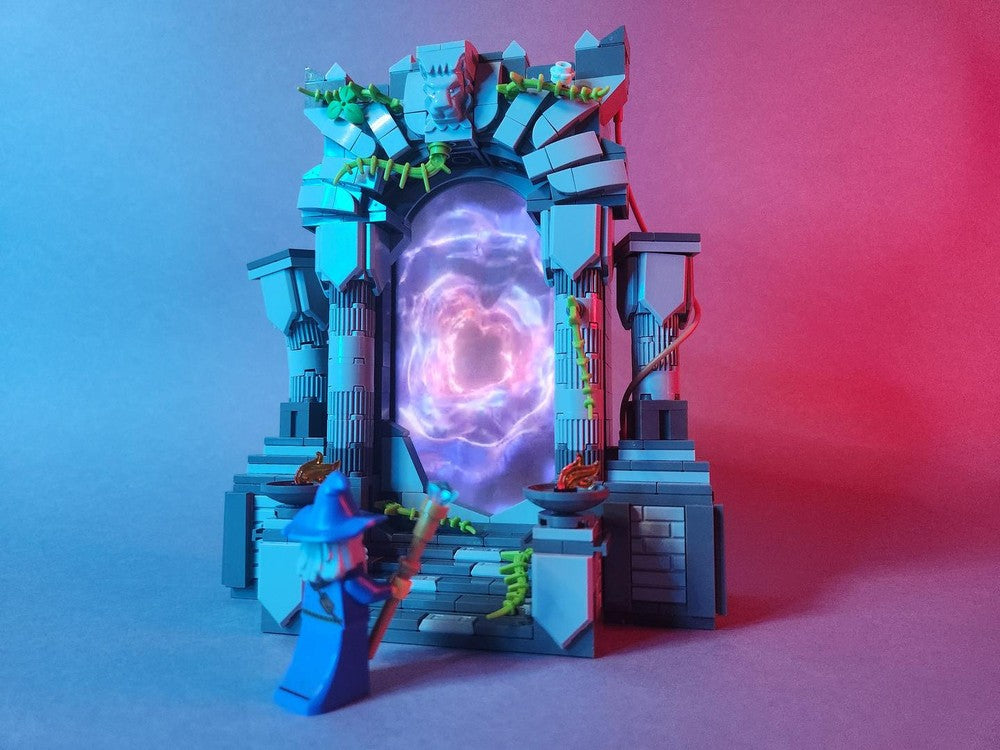
10 Inspiring Portal LEGO MOCs: Instructions, Tips and Ideas
Gateway to New Worlds: LEGO Portal MOC Inspirations
Portals capture our imagination like few other motifs—an archway into another realm, a shimmering gateway hinting at magic or futuristic technology. In LEGO form, portals can be as simple as a circular frame with transparent elements, or as elaborate as interactive terrain pieces that incorporate phones, lighting, or moving parts. Whether you’re channeling fantasy magic, sci-fi wormholes, video game teleports, or medieval rune gates, building a portal MOC allows you to stretch both your technical skills and your storytelling.
Imagine a haunted forest scene where an enchanted stone arch ripples with swirling trans-clear plates; or a dystopian cityscape pierced by a neon-glowing wormhole. Portals give structure to narratives—heroes emerge, monsters invade, or digital data streams flow. They can be free-standing sculptures, integrated into modular environments, or even functional phone holders that play animations on your device. Building a portal MOC challenges you to balance form and function: how do you represent the intangible—with bricks? Through clever part selection, color contrast, and engineering, you can create the illusion of swirling energy or hidden dimensions.
When you build a portal, you’re not just snapping bricks together; you’re crafting an invitation. An invitation for onlookers to wonder, “What’s on the other side?” With the right design choices, you can suggest motion, depth, and mystery—even in a tiny vignette. Below, discover practical tips to get started, a range of creative portal types to explore, and ten inspiring MOCs from the Rebrickable community to spark your next build.
Tips for Building LEGO Portals
-
Contrast opaque and transparent elements. Use Trans-Clear, Trans-Blue, or Trans-Neon Green plates and tiles against darker shades to suggest energy fields.
-
Incorporate part layering. Stagger plates, tiles, and grille pieces at varying depths to add texture and depth.
-
Use circular or hexagonal frames. Round bricks, rings, or Technic gears can form sturdy portal outlines.
-
Play with minimalism. A simple arch or a tiled base can be just as evocative if you place it in the right context (a diorama or minifigure scene).
-
Experiment with lighting. Small clip-on LEDs or light bricks inside a hollow frame can make your portal glow from within.
-
Integrate functionality. Consider phone stands, hidden compartments, or motorized parts for interactive builds.
-
Choose thematic details. Runic inscriptions, vines, or mechanical pistons can hint at magic, nature, or technology.
-
Balance scale. Decide if you want a large portal that dwarfs your minifigs or a micro build that complements a larger layout.
Types of Portal MOCs to Try
-
Fantasy Magic Gate: Enchanted stone arches, runes, and trans-clear swirling plates.
-
Sci-Fi Wormhole: Neon tiles, Technic frames, and transparent round bricks.
-
Video Game Teleporter: Inspired by Portal, Minecraft, or other game motifs.
-
Interactive Phone Portal: Use your smartphone’s screen to animate the portal’s “energy.”
-
Medieval Rune Portal: Moss, vines, and dark bluish gray stones.
-
Alien Gate: Organic shapes, tentacle-like elements, and unusual colors.
-
Dimension Pad: 80s-style grid platforms, Tron-inspired lines, or LEGO Dimensions pads.
-
Dark Portal Sculpture: Dwarfed by minifigs, weathered bricks, and moody lighting.
-
Miniature Portal Accent: Tiny 2×2 or 4×4 portals for shelves or desktop displays.
-
Themed Diorama Portal: Combine a portal with landscape, figures, and storytelling vignettes.
Featured Builds
The Portal of Shadows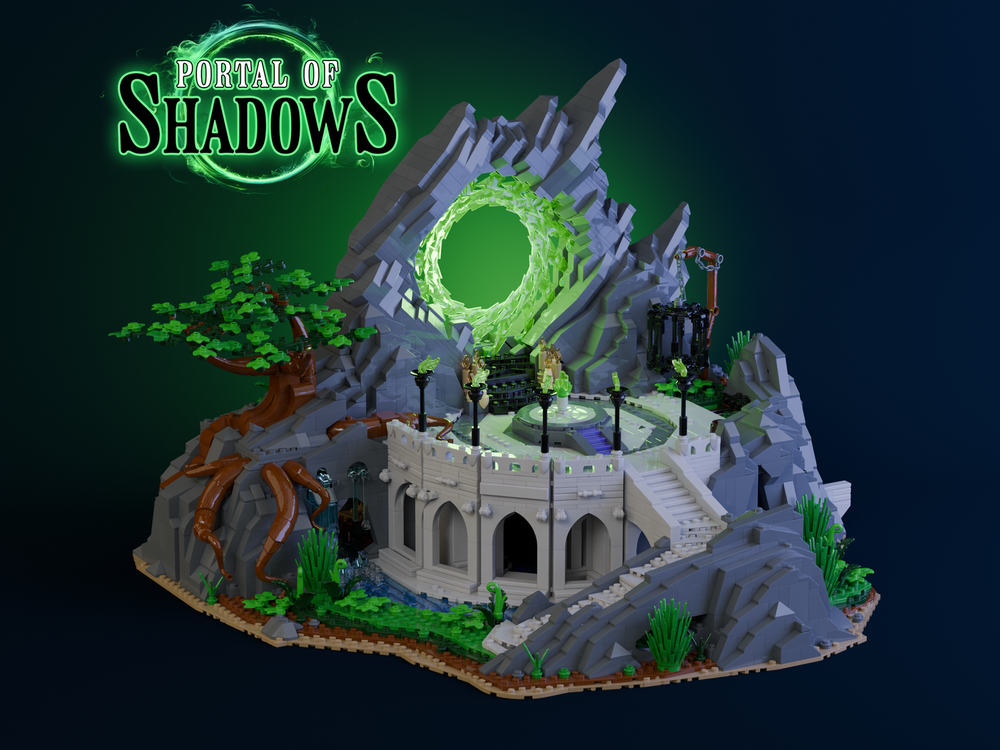
Designer: BrentWaller
Get the instructions with the link to the model.
Forgotten Portal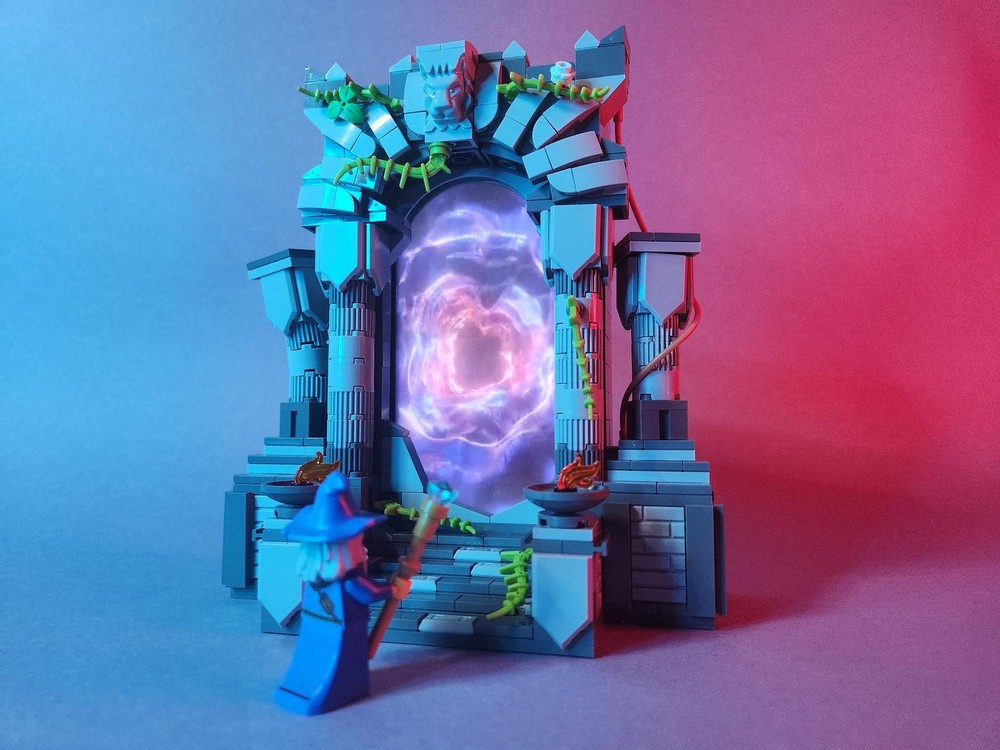
Designer: Thunder_Adventure_Tours
Get the instructions with the link to the model.
Bricktales The Portal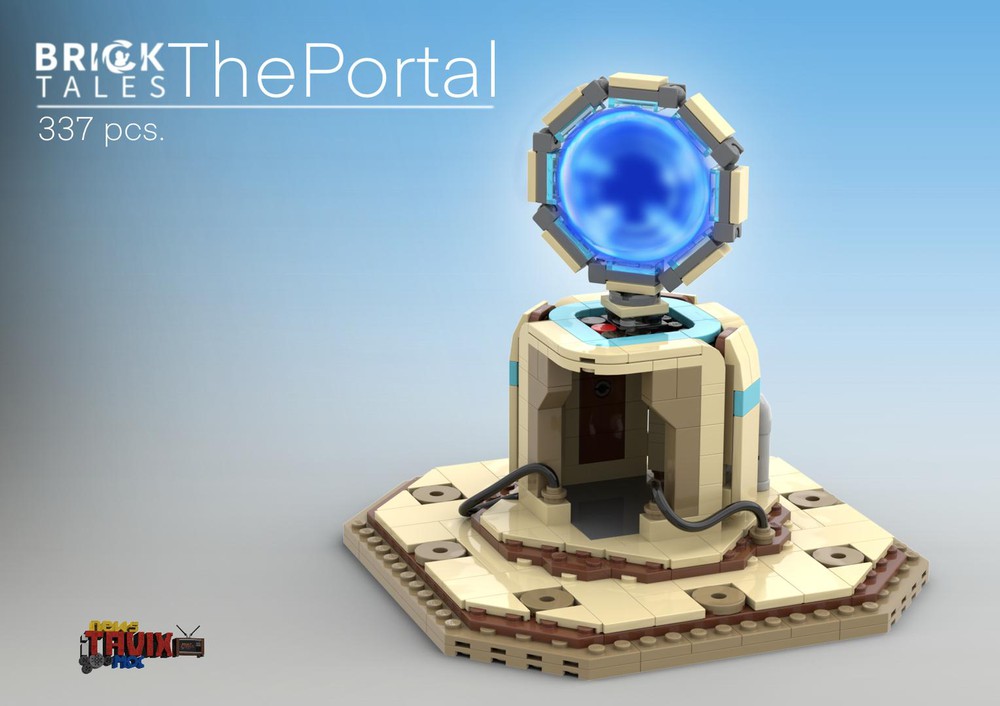
Designer: iTavix
Get the instructions with the link to the model.
Magical Portal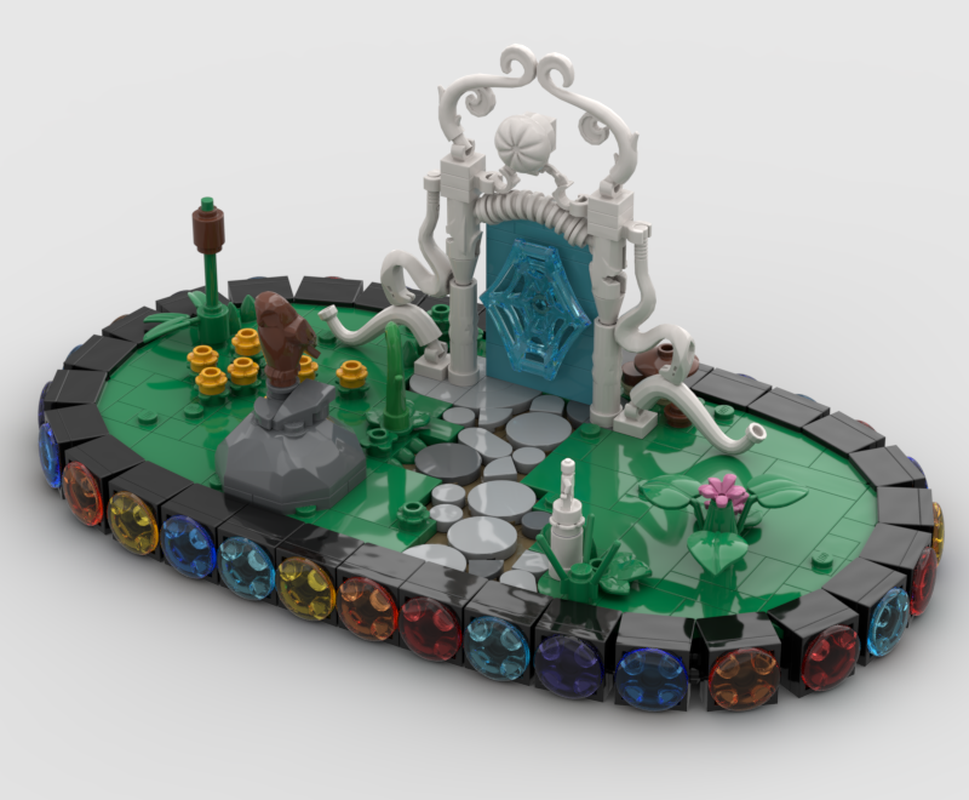
Designer: Thierry
Get the instructions with the link to the model.
80s Space Themed Dimensions Pad Portal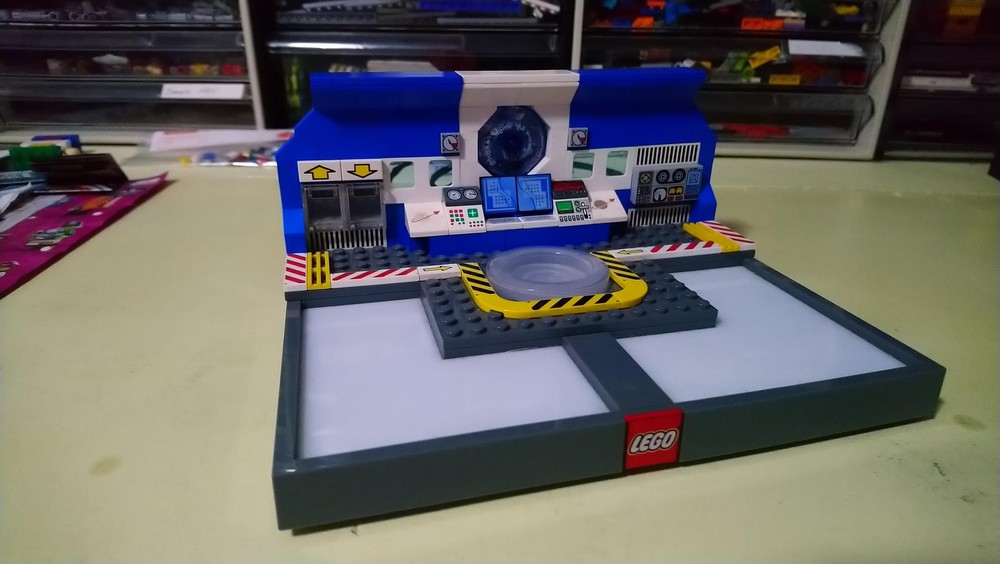
Designer: Darkchylde
Get the instructions with the link to the model.
Portal: Test Chamber 17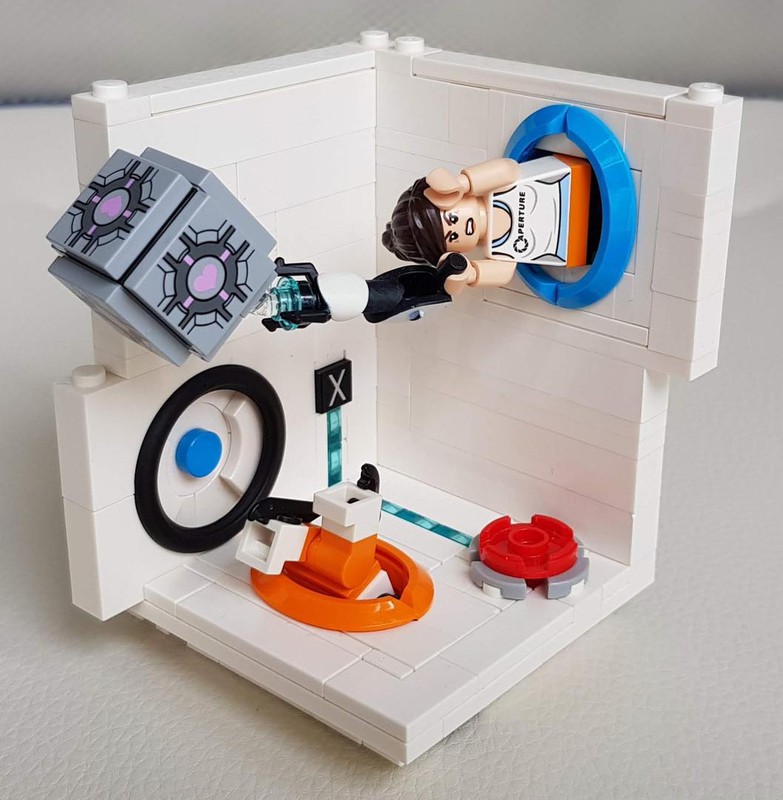
Designer: zed0
Get the instructions with the link to the model.
The Portal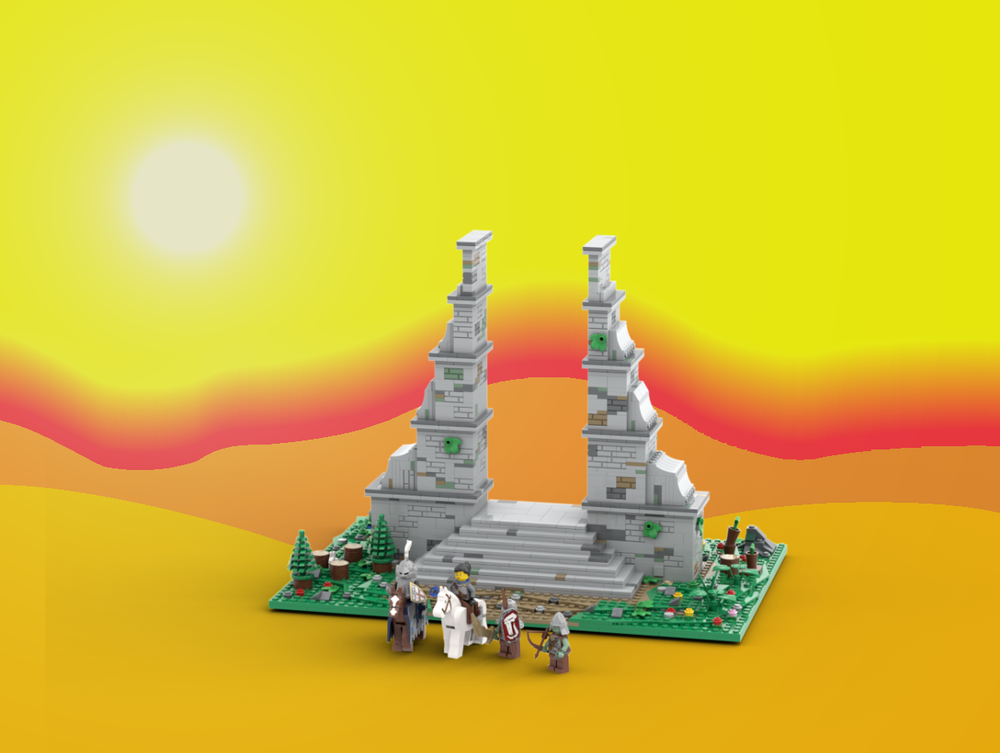
Designer: szandris89
Get the instructions with the link to the model.
The Overworld Giant Ruined Portal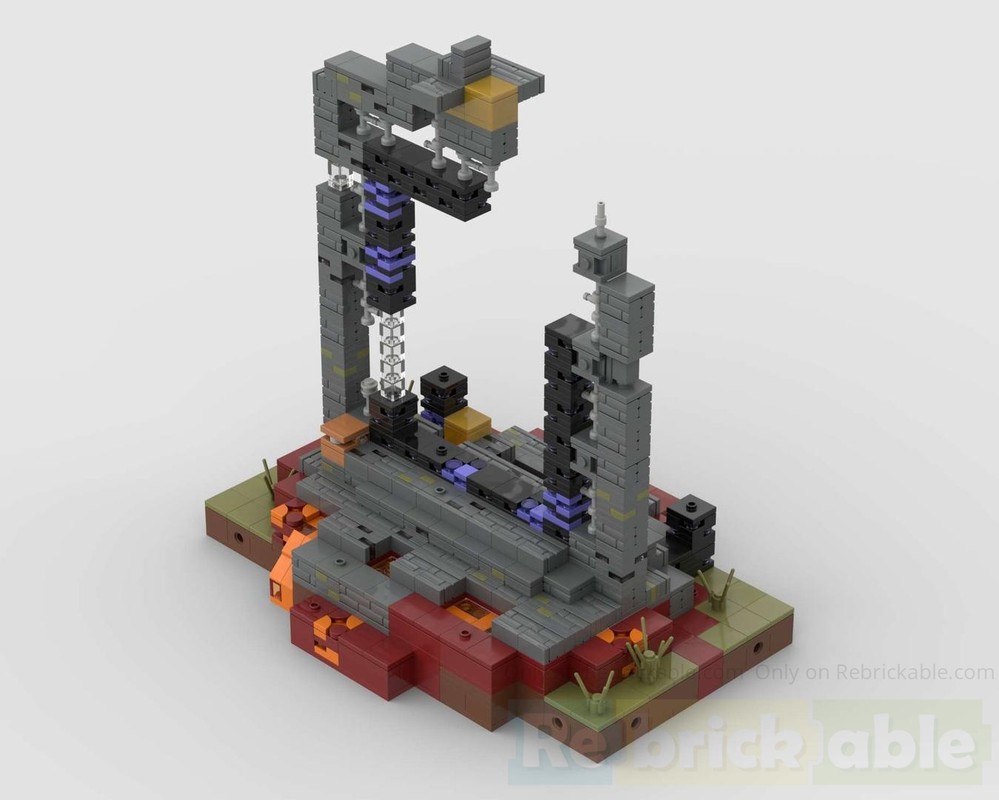
Designer: zzk
Get the instructions with the link to the model.
Enchanted Stone Portal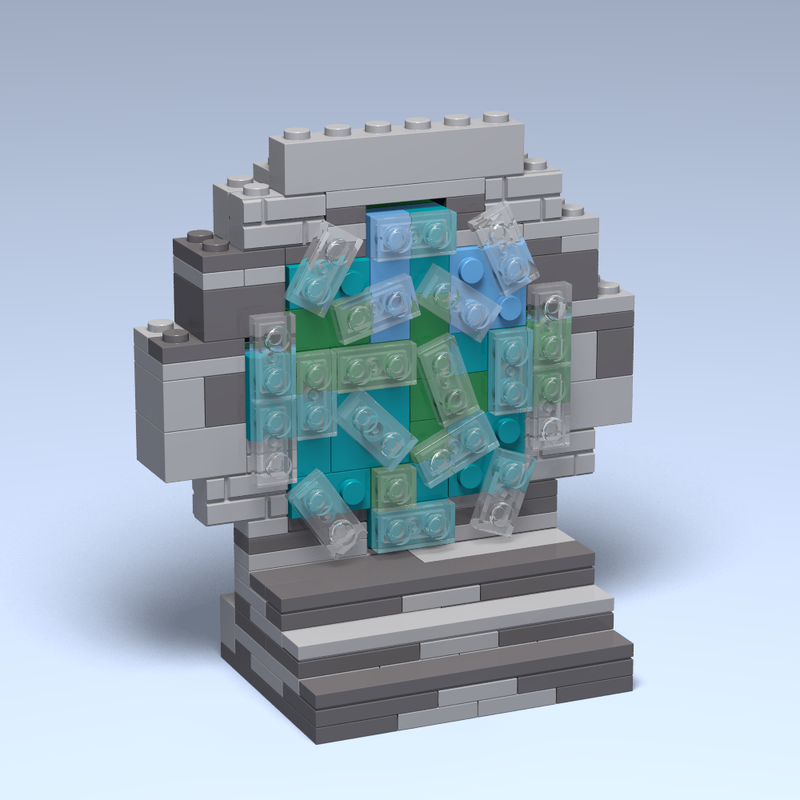
Designer: RAD_Creations
Get the instructions with the link to the model.
Mini Dark Portal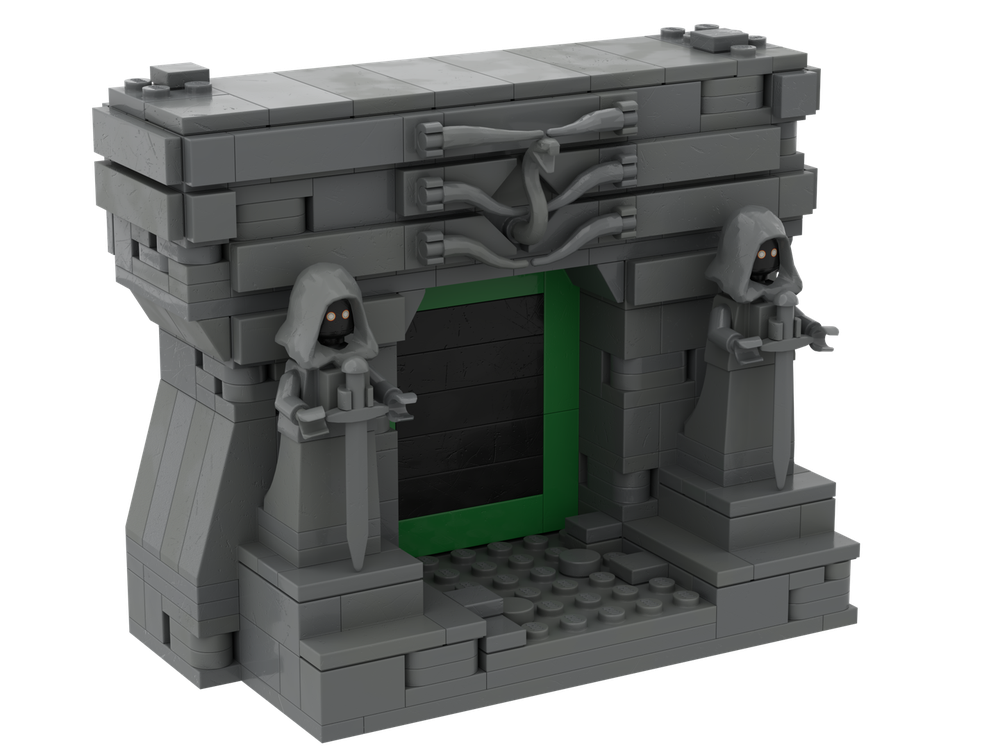
Designer: Gentvilas
Get the instructions with the link to the model.
Rick & Morty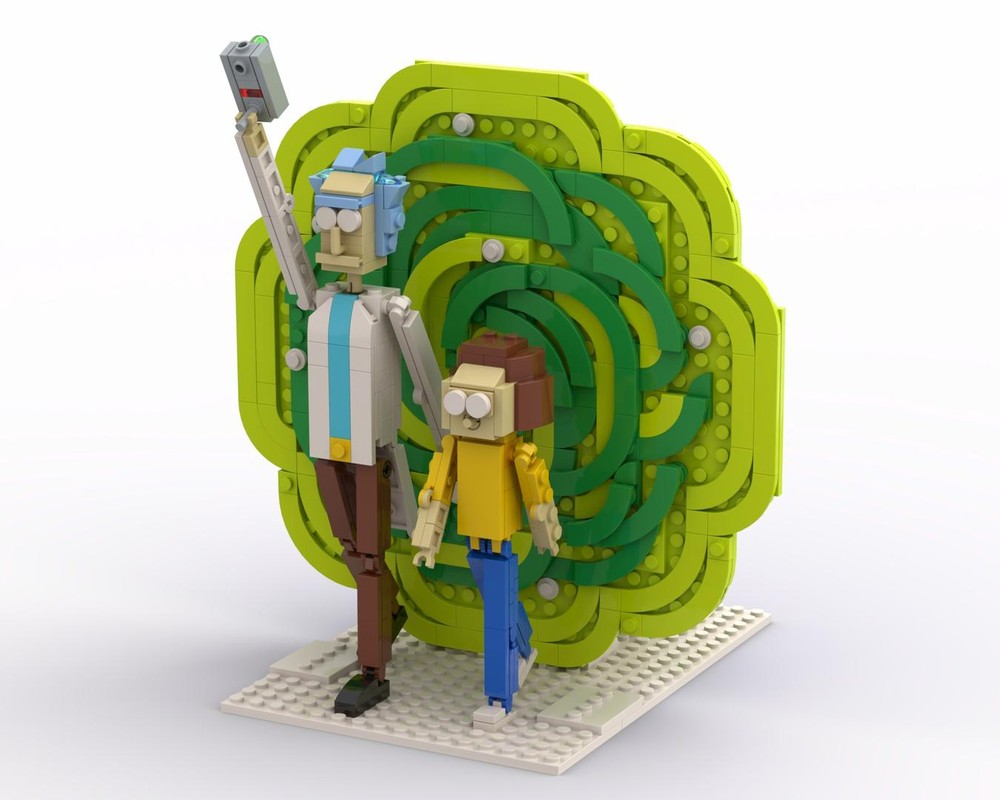
Designer: MR-Briiick
Get the instructions with the link to the model.
Dive in, experiment with parts and colors, and let your next portal build be a true gateway to your own creative universe!